Online Click Test
If you want to know how fast you can click, an Online Click Test is a simple and effective way to check your speed. It measures how many times you can click your mouse within a selected time limit and gives you instant results.This tool is widely used by gamers, students, and everyday computer users who want to test or improve their clicking ability. Many people use it for fun, while others use it to practice for games that require quick reactions and better mouse control.
What Is an Online Click Test?
This tool helps measure how many times you can click your mouse within a fixed number of seconds. After the timer finishes, it instantly calculates your result and displays your CPS (Clicks Per Second) score.The formula is simple: CPS = Total Clicks ÷ Total Time in Seconds.This makes it easy to understand your clicking speed and compare your performance over time. Since the process is quick and user-friendly, anyone can test their speed without any difficulty.
Why Do People Use This Tool?
People use click speed tools for many different reasons, depending on their goals and interests. Some users want to improve their gaming performance, while others simply enjoy testing how fast they can click.It is also a useful way to practice finger speed, hand control, and clicking consistency over time. Since the results appear instantly, users can easily compare scores and monitor their progress. Its simple and quick format makes it suitable for both casual fun and regular practice.
How Does It Work?
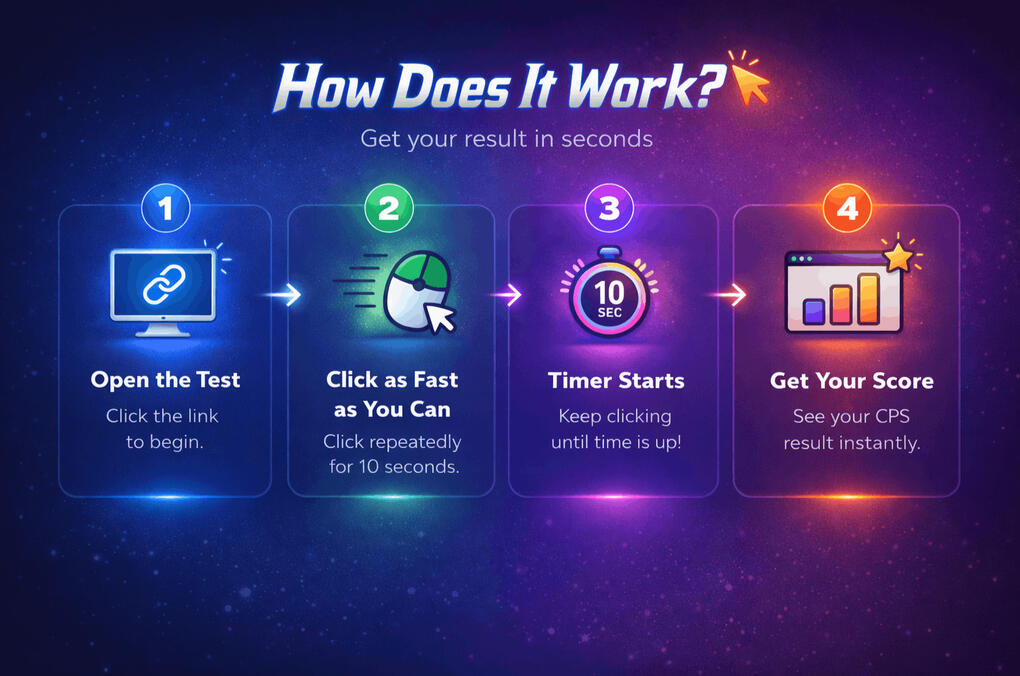
The process is very simple and easy for anyone to use. You just need to start the test and click as fast as possible within the selected time limit. Once the timer ends, your result appears instantly, making it easy to check your speed and try again.Basic Steps to Take the Test:•Open the click test page
•Choose your preferred timer
•Click the start button
•Start clicking as fast as possible
•Wait until the timer ends
•Check your final score
What Is a Good Clicking Score?
A good clicking score can vary from person to person based on practice, clicking technique, and overall mouse control. Some users naturally click faster, while others improve gradually with regular use and better consistency.Common CPS Score Ranges5-Second TestBeginner: 3 to 5 CPS
Average: 6 to 8 CPS
Advanced: 9 to 12 CPS
Excellent: 13+ CPSText10-Second TestAverage: 5 to 7 CPS20-Second TestAverage: 4 to 6 CPS60-Second TestAverage: 3 to 5 CPS
Why Clicking Speed Matters in Gaming
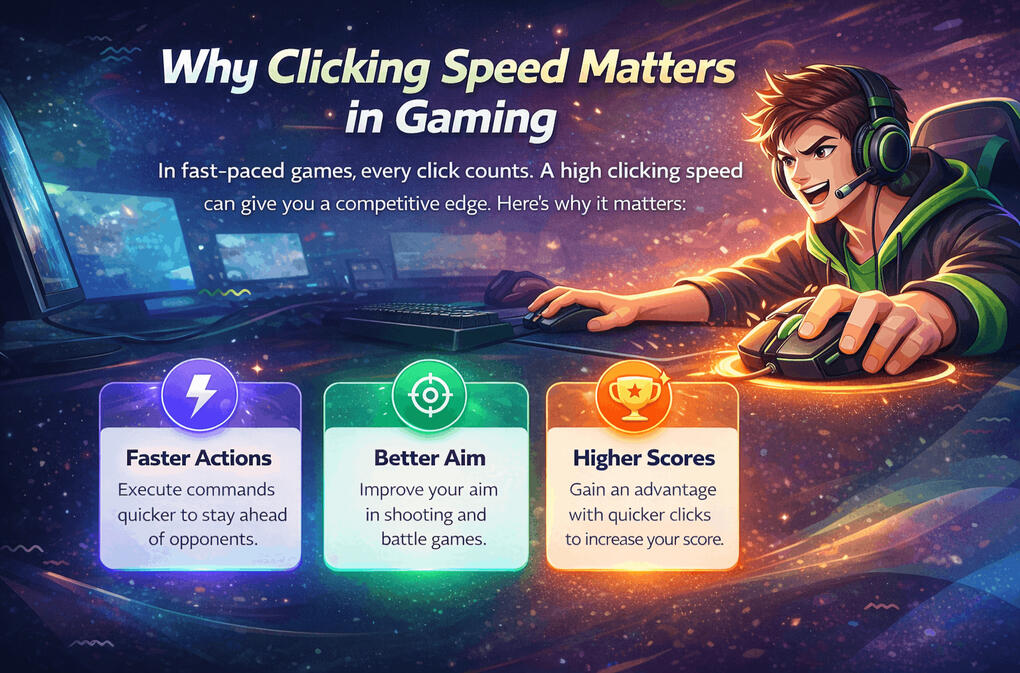
Fast clicking can make a noticeable difference in many online and competitive games. In fast-paced situations, better clicking speed can help improve attack timing, movement control, and overall in-game performance. It is especially useful for players who want to sharpen their mouse skills and build better speed through regular practice.
It can be helpful in games like
•Minecraft PvP
•FPS games
•MOBA games
•RTS games
•Action RPGs
•Clicker games
For example, in PvP or combat-based games, faster clicking can help you attack more quickly and respond faster during intense moments. In strategy or action games, it can also improve how efficiently you manage units, skills, or repeated actions.
Best Clicking Techniques to Improve Speed
The way you click can affect your score just as much as your natural speed. Many users improve their performance simply by using a better clicking method and practicing it regularly. Different techniques can help increase speed, control, and consistency depending on your comfort level.
1. Regular Clicking
This is the most common clicking method where you use one finger repeatedly to click the mouse button. It is simple, comfortable, and easy to control, which makes it a great option for beginners. Many users start with this method before trying faster clicking techniques.
2. Butterfly Clicking
Butterfly clicking uses two fingers alternately on the mouse button to create faster clicks. This method can help improve speed more than regular clicking and is popular among many gamers. With regular practice,
3. Jitter Clicking
Jitter clicking involves creating quick hand vibrations while clicking rapidly on the mouse button. It can help produce a higher CPS score in a short amount of time, especially in fast-paced games.
4. Drag Clicking
Drag clicking is a more advanced technique where you drag your finger across the mouse button surface. This method can generate multiple clicks very quickly and is often used for higher scores.
Tips to Improve Your Clicking Speed
Improving your clicking speed takes a little time, but small habits can make a big difference. With regular practice and the right technique, you can improve both your speed and control over time.
Practice Regularly
A few minutes of daily practice can help improve your finger speed and consistency. Regular use makes it easier to click faster over time.
Use a Comfortable Mouse
A smooth and responsive mouse can make clicking easier and more comfortable. This can help improve both speed and control.
Keep Your Hand Relaxed
Too much tension in your fingers or wrist can reduce your speed. A relaxed hand usually gives better clicking control.
Try Different Clicking Styles
Trying different methods can help you find the clicking style that suits you best. The right technique can improve your overall performance.
Take Short Breaks
Clicking too much at once can tire your fingers and reduce your speed. Short breaks help maintain better performance.
Focus on Control Too
Speed is important, but control also matters for better results. Steady clicking often leads to more consistent performance.
Benefits of Using This Tool
This type of test is not only useful for gaming, but it can also help improve hand coordination, mouse control, and overall clicking consistency. Since it is quick and easy to use, many people enjoy using it for both practice and fun.
Measures your clicking speed instantly
It quickly shows how fast you can click within a selected time limit. This makes it easy to understand your performance right away.
Final Thoughts
An Online Click Test is a simple and enjoyable way to measure how fast you can click within a set time. It is useful for gamers, casual users, and anyone who wants to test or improve their clicking speed.Whether you want to practice regularly, challenge your friends, or just have fun, this tool makes it easy to do so. You do not need any special setup or advanced skills to get started. Just open the page, begin clicking, and check your score instantly.